RTL for developers: beyond right alignment
فريق خدمات لغة الضاد · 22 Oct 2026
2 min read العربية
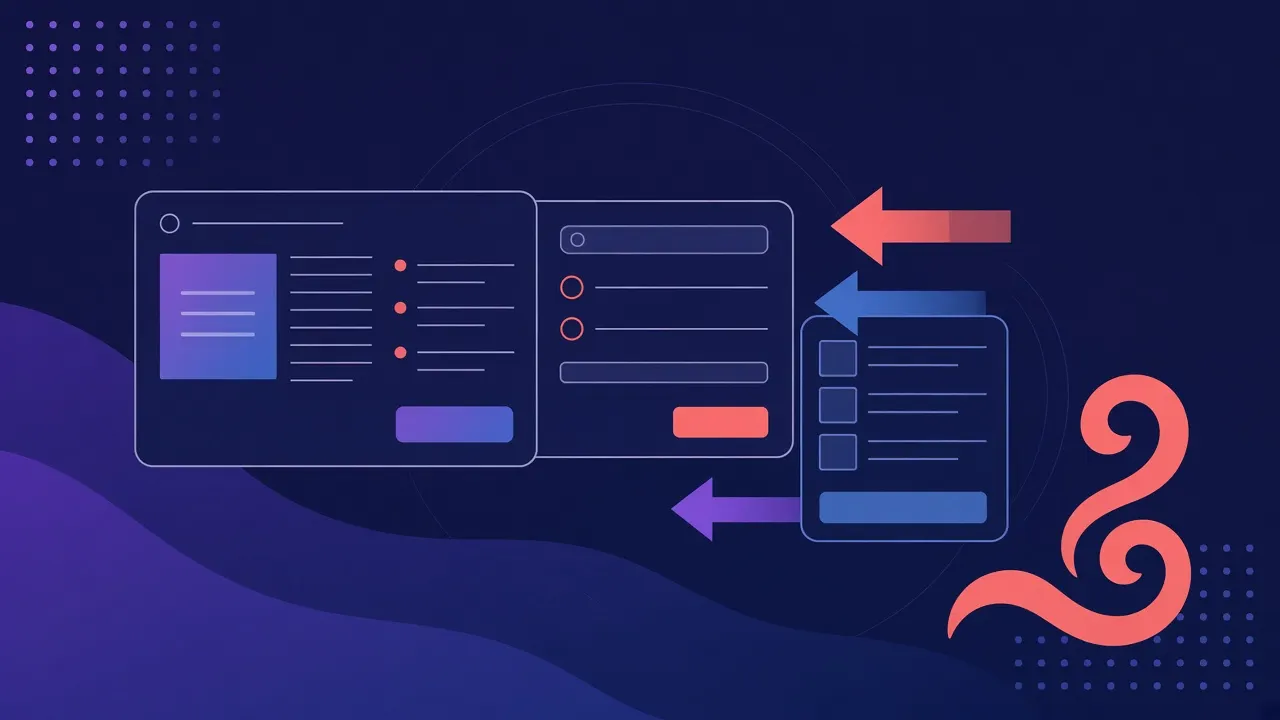
A usable Arabic interface needs more than right-aligned text. Direction changes reading flow, navigation, mixed-script rendering and the meaning of some icons. Set the language and direction on the appropriate container, then test real tasks such as registration, search and copying a link.
Prefer logical layout
Use logical CSS properties such as margin-inline-start and padding-inline-end when spacing follows reading order. This allows a shared component to adapt to both languages. Keep physical directions only when the position is inherently fixed.
Not every icon should flip. A next-step arrow may follow navigation direction, while a brand mark or media control should preserve its meaning. Review icons in context. Explain ordering in timelines and charts rather than assuming one universal convention.
Isolate mixed text
Repository names, email addresses and URLs mix Latin letters, numbers and punctuation. The Unicode bidirectional algorithm can place punctuation unexpectedly when these values sit inside Arabic sentences. Use bdi or a separate direction boundary for values with unknown direction. Code samples usually need a left-to-right container.
Do not patch display problems by inserting arbitrary invisible characters into stored data. Preserve the original value for copying and searching. Test an Arabic title containing an English model name, a version number and parentheses. Copy it into a plain-text editor and check the result.
Typography and forms
Choose an Arabic font with suitable diacritic support and leave enough line height for marks. Test different weights on a phone. English font metrics are not a reliable template for Arabic readability. Long links should wrap within cards rather than expanding the whole viewport.
Every input needs a persistent label. Use appropriate email and URL input types, place useful error messages near the field and avoid conveying status by color alone. Keyboard focus must remain visible. Check form order and result announcements with assistive technology.
Test the complete flow
Use a narrow viewport, increase text size and inspect menus, dialogs and buttons. Large tables may need scrolling inside their own container. A language switch should preserve the current route when the corresponding page exists.
Include empty results, provider failures and long content in regular review. Changes to shared components should be checked in both directions. The goal is a clear route through the user’s task, not a mirrored screenshot. A good RTL implementation lets readers focus on content instead of spending effort interpreting the interface.
Keep reading
 Guides
Arabic dialects: start with your audience
Build a test sample that reflects dialects, formal Arabic and writing variation.
 Guides
Arabic diacritization: reading beyond the letters
Evaluate lexical vowels and grammatical endings in context.
 Guides
A practical start with Arabic NLP
Writing, morphology, dialects and evaluation: a practical route from prototype to a useful Arabic system.